


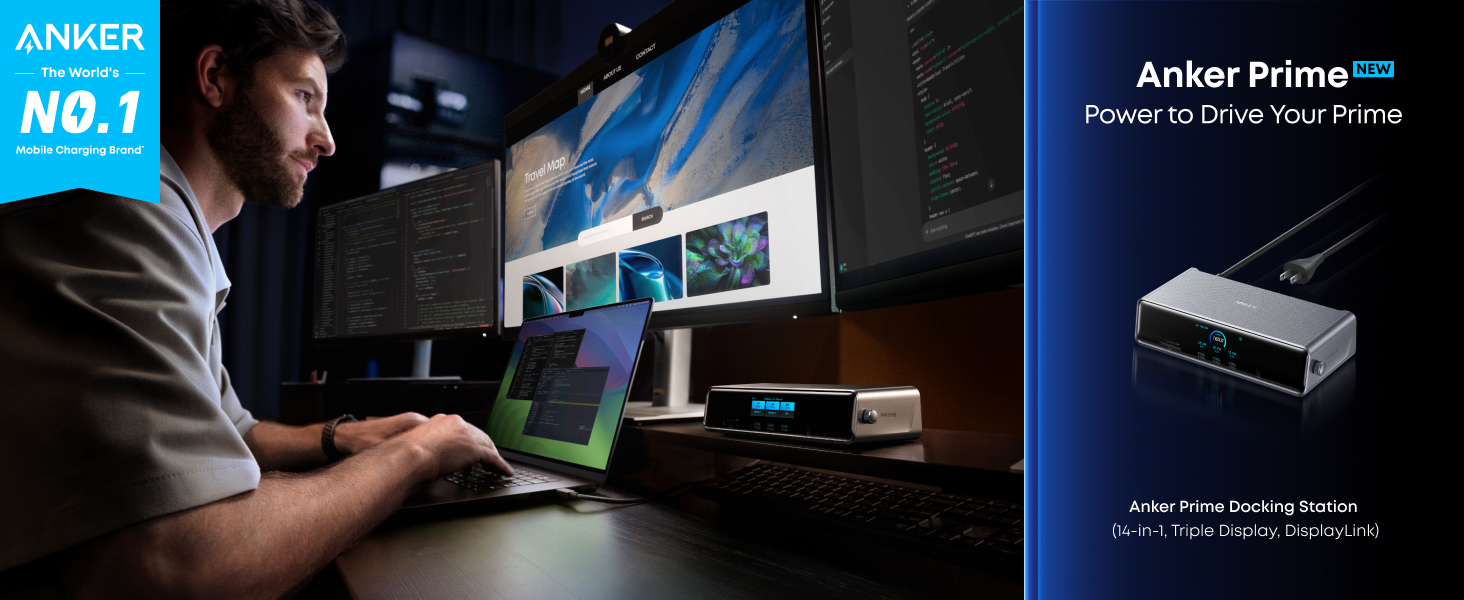
Anker Prime Docking Station (14-in-1, Triple Display, DisplayLink)
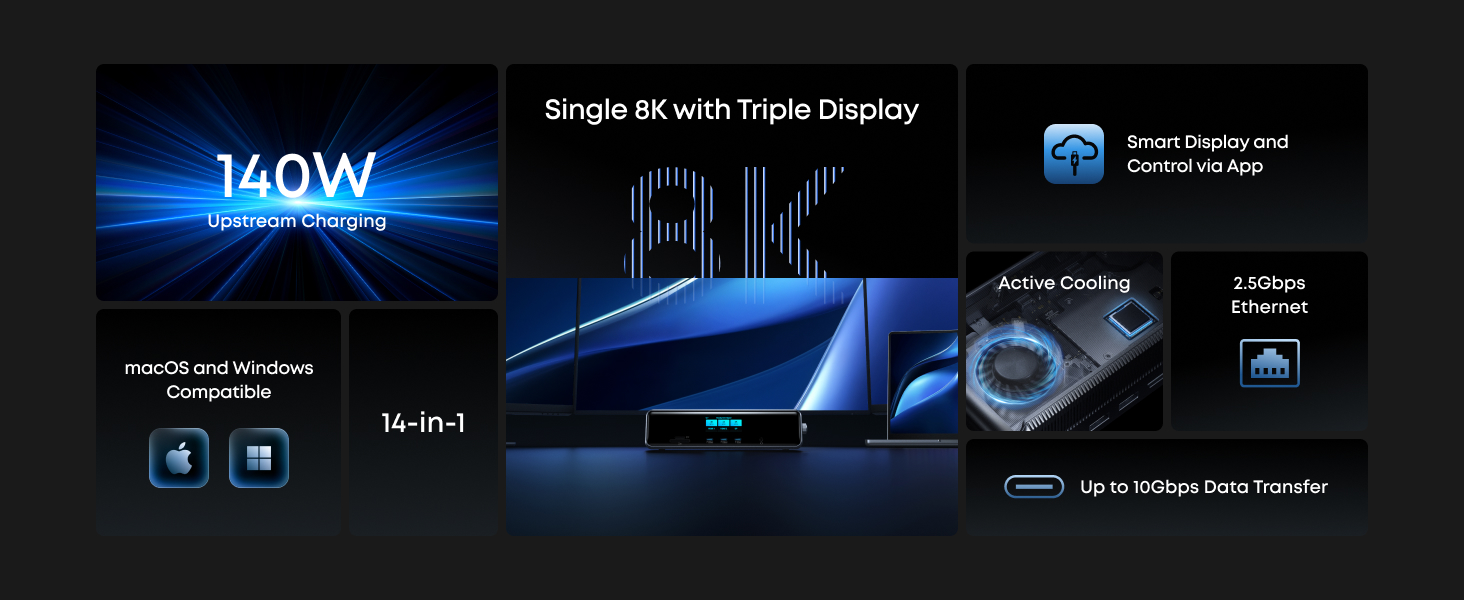
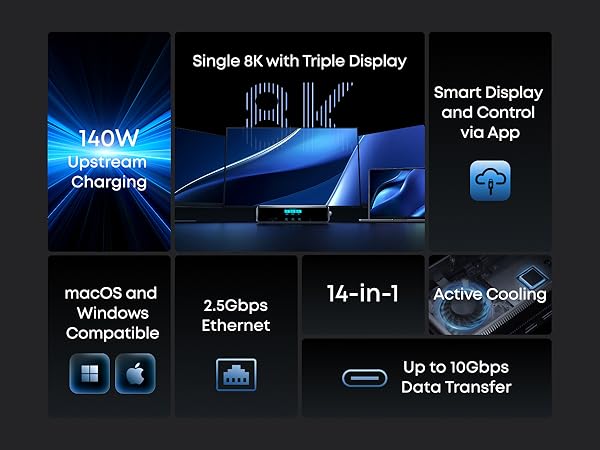
- 14 Powerful Connections: Designed for modern setups, featuring a 140W 10Gbps USB-C upstream port, two 100W 10Gbps USB-C ports, one 100W 5Gbps USB-C port, two HDMI ports, one DisplayPort, two 5Gbps USB-A ports, one 480Mbps USB-A port, a 2.5Gbps Ethernet port, a headphone and mic combo jack, plus SD and TF card slots for complete desktop connectivity.
- One 8K Output, Triple Display Versatility: Power up three external monitors at once, including one in 8K, for ultra-efficient multitasking. Compatible with both macOS and Windows setups. (Note: Only monitors that support 8K resolution can display in 8K. DisplayLink driver required.)
- Each Port Powers and Performs: Every USB-C port supports both charging and data transfer. Power your laptop with up to 140W via the upstream port, while each front USB-C port delivers 100W of high-speed charging. (Note: The front USB-C ports do not support media display.)
- Always Cool, Always in Control: View real-time updates on charging power, display performance, fan cooling mode, and settings directly from the smart display. The built-in fan and ActiveShield 3.0 help keep your device running cool and stable.
- What You Get: Anker Prime Docking Station (14-in-1, Triple Display, DisplayLink), USB-C to USB-C 3.2 Gen 2 cable for upstream port (3.3 ft, 10 Gbps), 6ft AC power cord, safety sheet with user manual QR code , 24-month warranty, and our friendly customer service.
3 790 kr
- 14 Powerful Connections: Designed for modern setups, featuring a 140W 10Gbps USB-C upstream port, two 100W 10Gbps USB-C ports, one 100W 5Gbps USB-C port, two HDMI ports, one DisplayPort, two 5Gbps USB-A ports, one 480Mbps USB-A port, a 2.5Gbps Ethernet port, a headphone and mic combo jack, plus SD and TF card slots for complete desktop connectivity.
- One 8K Output, Triple Display Versatility: Power up three external monitors at once, including one in 8K, for ultra-efficient multitasking. Compatible with both macOS and Windows setups. (Note: Only monitors that support 8K resolution can display in 8K. DisplayLink driver required.)
- Each Port Powers and Performs: Every USB-C port supports both charging and data transfer. Power your laptop with up to 140W via the upstream port, while each front USB-C port delivers 100W of high-speed charging. (Note: The front USB-C ports do not support media display.)
- Always Cool, Always in Control: View real-time updates on charging power, display performance, fan cooling mode, and settings directly from the smart display. The built-in fan and ActiveShield 3.0 help keep your device running cool and stable.
- What You Get: Anker Prime Docking Station (14-in-1, Triple Display, DisplayLink), USB-C to USB-C 3.2 Gen 2 cable for upstream port (3.3 ft, 10 Gbps), 6ft AC power cord, safety sheet with user manual QR code , 24-month warranty, and our friendly customer service.
Order Support
Payment Method
Delivery Method

Anker Prime Docking Station (14-in-1, Triple Display, DisplayLink)
3 790 kr



Customer Reviews
First, the SD card slot is installed upside down. Not huge once you know, but frustrating up until then. Alienware laptops hate this thing. Sleep is now useless. I really feel like everything underestimates the importance of USB-A. There are never enough slots. That's why I began looking for a hub. I very quickly ran out of USB-A slots with 2 slots for mouse and 1 for UPS, everything else is back to being plugged and unplugged directly from the machine. There are tons of peripherals still being produced requiring a USB-A comm. port. The charger is fast and data transfer lacks nothing that I can tell. The form factor is nice, but I do wish the cable was about a foot longer. A better more capable interface would be appreciable as well. While the screen is handy for some stuff, all PC peripherals should have a capable interface users can access on their machine. Overall, It does 90% of what I was hoping to use it for and it does it well.
Very cool hub. I use it on my MacBook Air with a 27”flat and 34” curved Alienware monitors both running 1440 resolutions running 144 and 120 hz. respectively. It’s very reliable and responsive, I just mount my laptop under my desk and forget it’s there now. Perfect upgrade.
I am a certified Anker fanboy now. I've had their wireless phone chargers and various other products in the past, but after having a ton of issues with my Lenovo laptop dock for work, I decided to pull the trigger and buy a couple of these Anker Prime Docking Stations (1 for me, 1 for my wife) - they are INCREDIBLE.
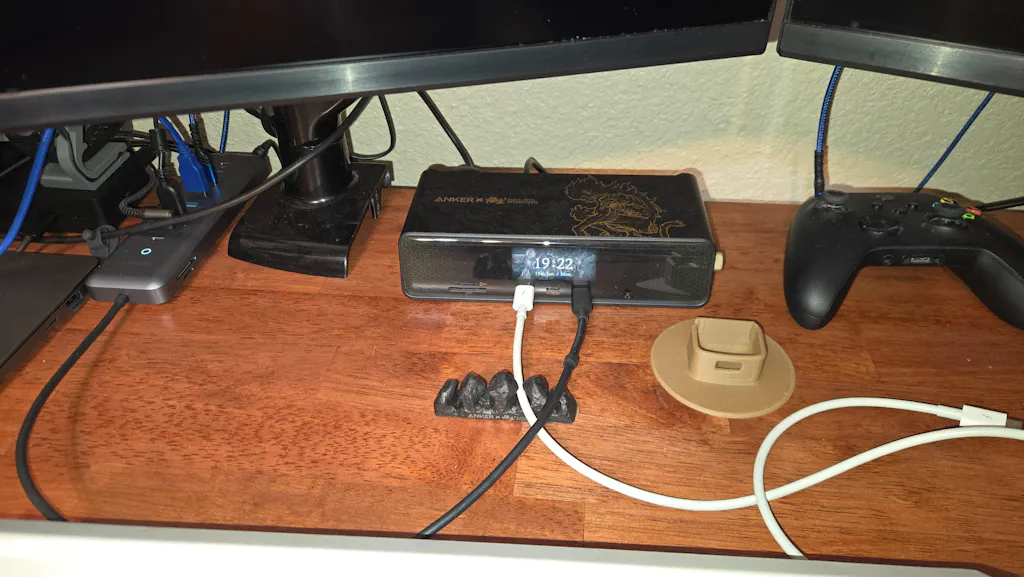
First and foremost, they worked right away and out of the box. My wife, who is not tech savvy at all, was able to setup and use hers right away and hasn't had a single problem since. Same with me, mine has worked great and the Black Myth Wukong version is stunning on my desk.
I'd imagine if you're reading this review on the Anker site, you're also a fan of the products, but if you're tentative about the price of this thing let me tell you now - it's VERY worth it.
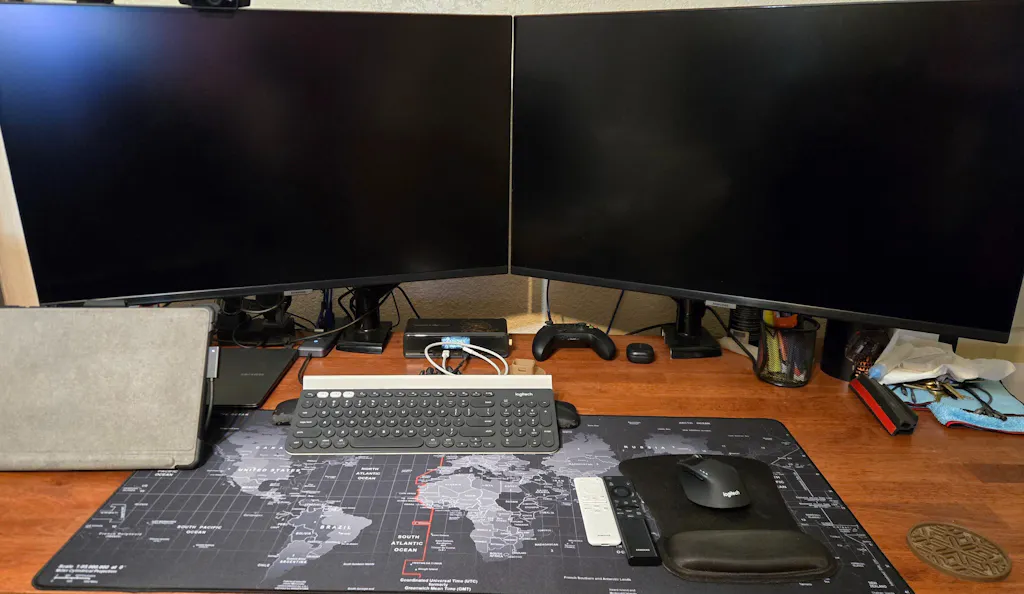
I hate to admit that I have been a MS Surface Fan Boy. This year I jumped ship from 10 years of Surfaces to Galaxy Book 5 Pro. Along with the change from laptops I had to swap out my dock. I settled on the DL7400 BW. Apart from having a small issue with the displaylink in the beginning. This dock works great especially not having to share the single USBC 3.2 gateway from the MS Dock with all my devices. I can now take advantage of the multiple USBC 3.2 gen 2 ports. Arrived in 2 days and the option to use Klarna paym.nt works for me. Surface pictured is work computer
Works perfectly with 3 external screen setup